Milesight
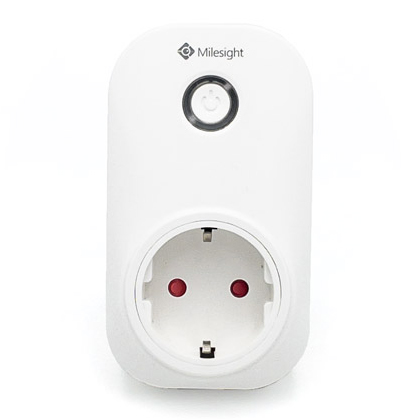
WS523
Ready asset template for the Milesight WS523 in the Widgelix device repository.
LoRaWAN
About the device
Smart Portable Socket
Template details
| Manufacturer | Milesight |
|---|---|
| Model | WS523 |
| Connectivity | LoRaWAN |
Use this template in Widgelix
- 01Open Asset Templates, choose Load from repository and select Milesight WS523.
- 02Add an asset with the device ID and set its connectivity (network server or integration).
- 03Decoded data is available for dashboards, Actions, reports and AI agents.
Connect it through


More from Milesight
All Milesight devices →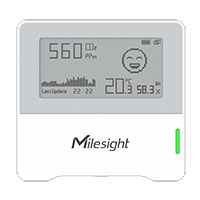
AM103
AM103L
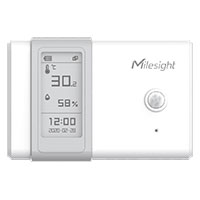
AM104
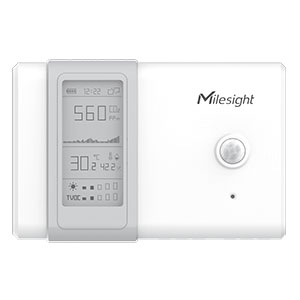
AM107
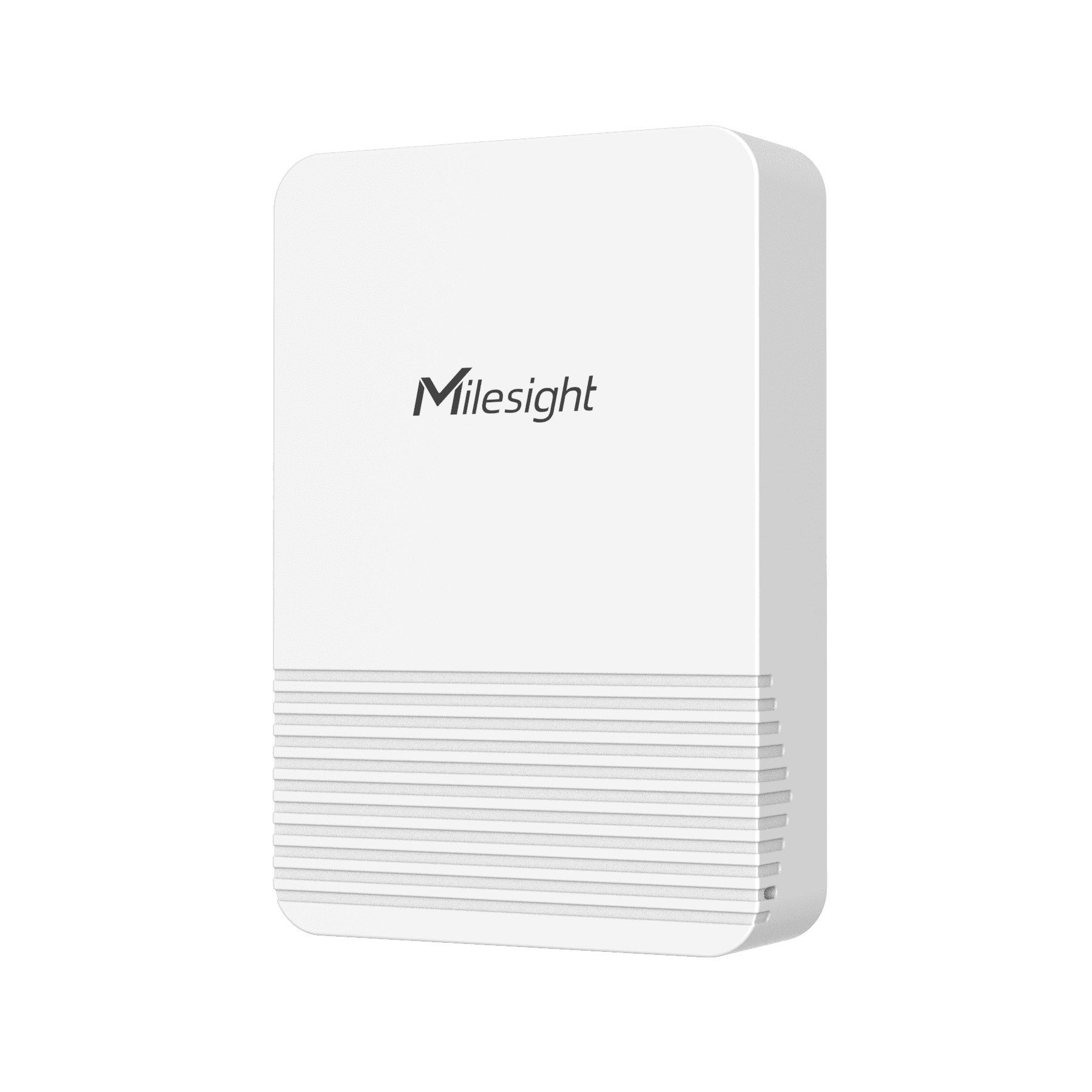
EM320-TH Temperature & Humidity SensorMilesight EM320-TH rugged IP67 LoRaWAN temperature and humidity sensor. Temperature 0.1 °C resolution, humidity 0.5 %RH resolution, battery level, threshold alarms and data storage with retransmission (history). Default report interval 10 min. Decoder: official Milesight SensorDecoders (em320-th).LoRaWAN
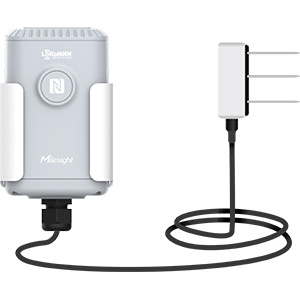
EM500-SMTCSoil Moisture, Temperature and Electrical Conductivity SensorLoRaWAN
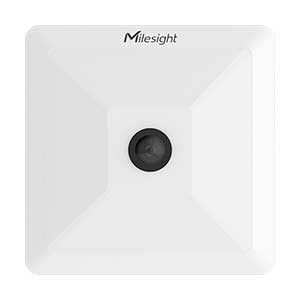
VS121
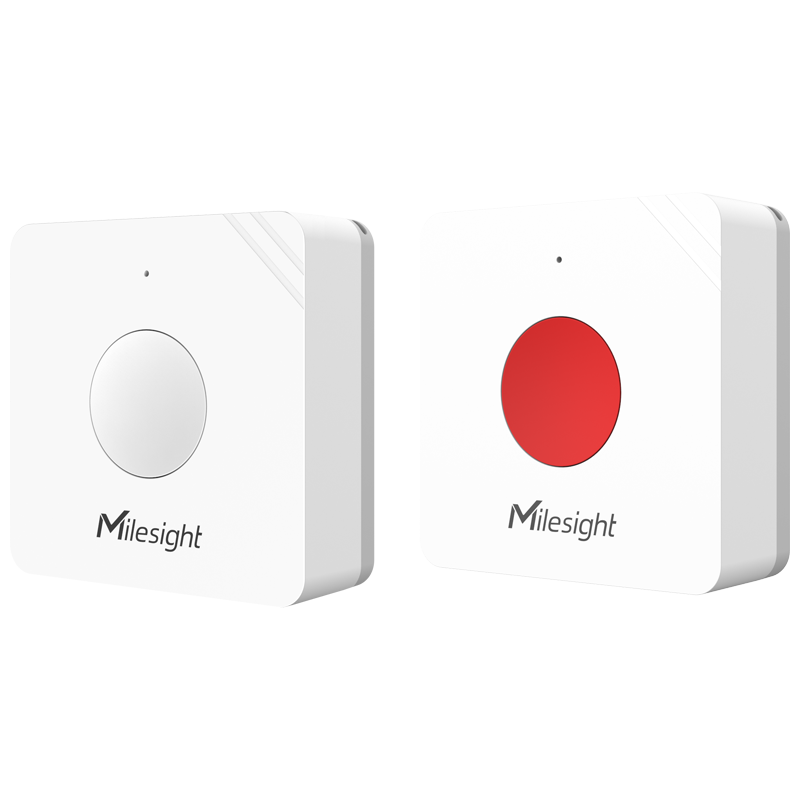
WS101 Smart ButtonMilesight WS101 LoRaWAN smart button (also SOS version). Reports short press, long press and double press events plus battery level. Decoder: official Milesight SensorDecoders (ws101). button: 1 = short press, 2 = long press, 3 = double press.LoRaWAN
Monitor your Milesight WS523 devices in Widgelix
Tell us about your deployment. We'll show you dashboards, Actions and AI access on your own devices.
- Live walkthrough with your devices
- Help with connectivity setup
- Dashboards and Actions for your use case