Downlinks tab on every asset
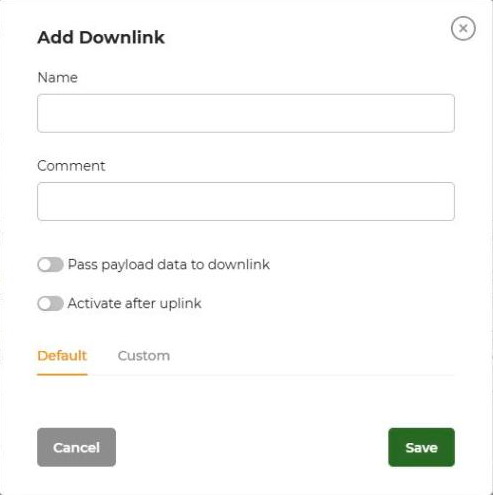
Add, edit, delete and send named downlinks. Choose template fields (Default) or your own encoder code (Custom).
Close a valve, switch a relay or change a thermostat setpoint from Widgelix. Define the command once, then send it with one click from a dashboard or let an Action send it automatically when a condition is met.
A leak sensor that only sends an alert still needs a person to close the valve. Many platforms show data but leave commands to the network server console, where encoding payloads by hand is slow and error-prone.
A JavaScript downlink encoder in the asset template turns a JSON command into the bytes the device expects. Test it in the built-in console.
On the asset's Downlinks tab, add named downlinks such as “Close valve” or “Relay on”. They are stored on the template, so every asset of that model gets them.
Click Send on the asset page, use a Downlink Button widget on a dashboard, or add a Downlink response to an Action.
Commands use the same templates, dashboards and Actions as your monitoring.
Add, edit, delete and send named downlinks. Choose template fields (Default) or your own encoder code (Custom).
Put a coloured button for any command on asset or site dashboards, so operators control devices without opening settings.
An Action can send a downlink when its conditions are met, and the target can be a different asset from the one that triggered it, for example a leak sensor closing a valve controller.
“Activate after uplink” queues the command to be sent right after the device's next uplink, when Class A devices listen.
“Pass payload data to downlink” lets the command include values from the device's payload.
Write the encoder in JavaScript, run it against a sample JSON command and check the HEX output before saving.
Downlinks are sent through The Things Stack, Actility ThingPark, Helium, LORIOT, Loxone Miniserver and the GreenMesh LoRaWAN Network Server, with the fPort you configure per integration.
See all integrations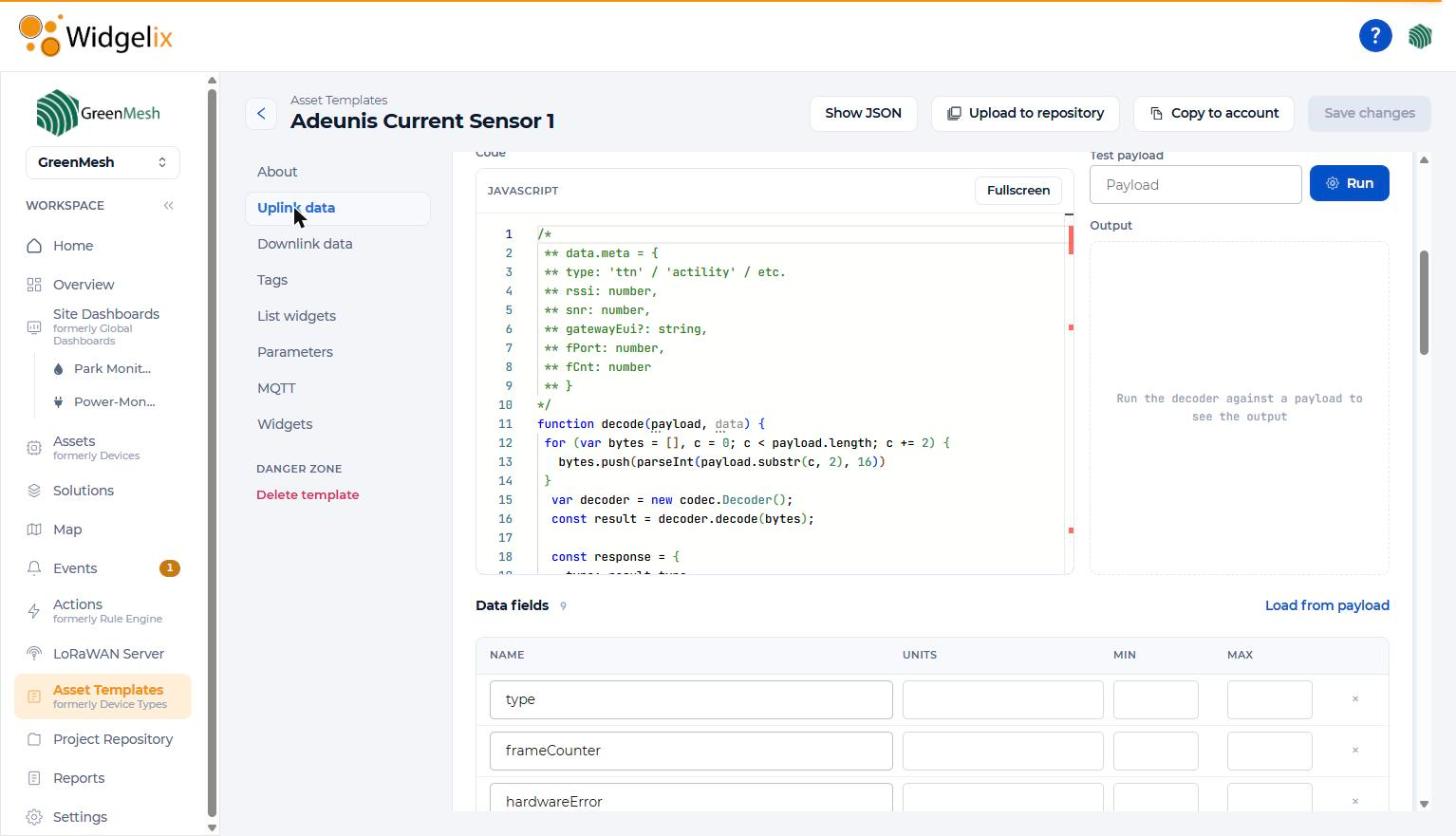
| Where commands live | Asset template (shared by all assets of the model) |
|---|---|
| Encoding | JavaScript encoder: JSON command → HEX payload, with test console |
| Manual sending | Asset Downlinks tab, Downlink Button widget |
| Automatic sending | Downlink response in Actions, to the same or another asset |
| Options | Activate after uplink, pass payload data to downlink |
| Integrations | The Things Stack, Actility ThingPark, Helium, LORIOT, Loxone, GreenMesh LNS |
“When the leak sensor in the plant room reports water, send “Close valve” to the main shut-off controller and notify the facility team.”
The Things Stack, Actility ThingPark, Helium, LORIOT, Loxone Miniserver and the GreenMesh LoRaWAN Network Server. Other integrations deliver uplink data only.
Only once, when writing the downlink encoder in the asset template. After that, operators send named commands like “Close valve”.
Yes. A Downlink response in an Action can target any asset, so a leak sensor can close a valve controlled by another device.
Turn on “Activate after uplink” so the command is sent after the device's next uplink, when it is listening.
Tell us which devices you need to control and when. We'll show you downlinks and automatic responses on your own hardware.