AirFlow-LN
Ready asset template for the Dragino AirFlow-LN in the Widgelix device repository.
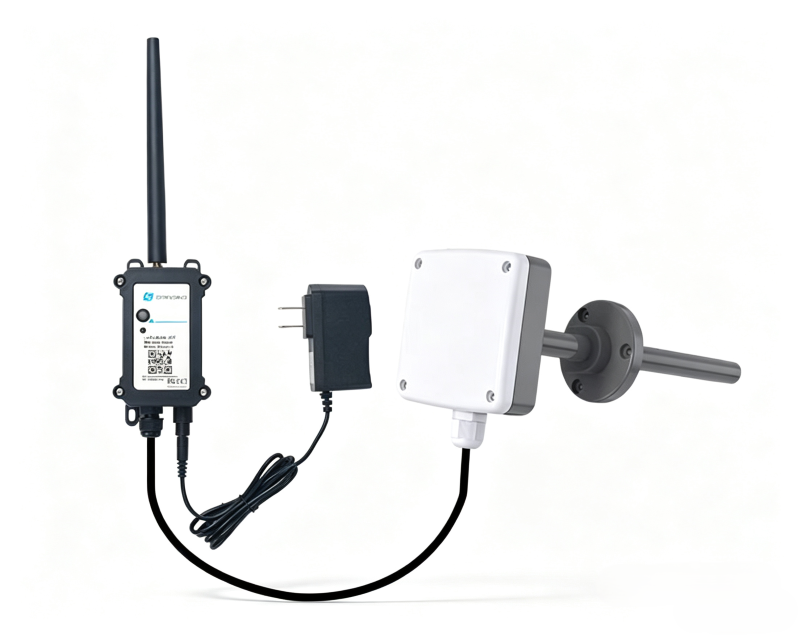
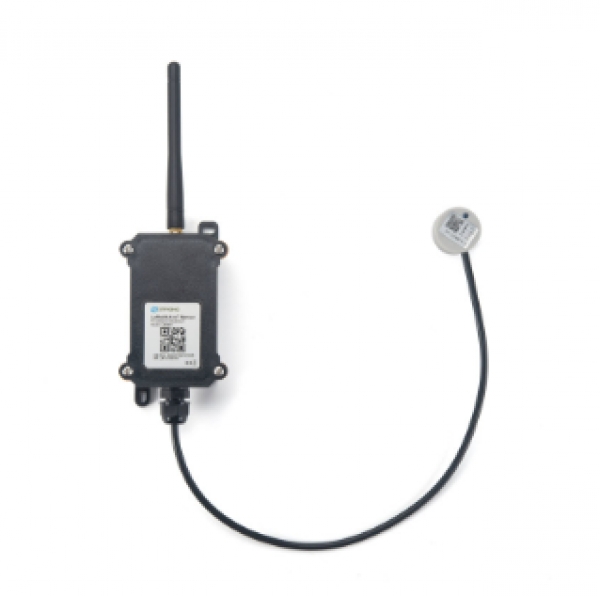
LoRaWAN 1.0.3 Class A thermal-anemometer duct air velocity sensor for HVAC/ventilation. Runs PS-LB-NA firmware with a fixed onboard 4–20 mA air velocity transmitter; selectable range 0–5 / 0–10 / 0–30 m/s via probe model 0301/0302/0303. Also exposes 0–30 V input, IN1/IN2 digital inputs and interrupt pin. Mains powered: charging power board (7–60 V) + 12 V DC adapter. Default uplink 20 min. FPort 2: BAT(2) Probe(2) IDC mA(2) VDC V(2) flags(1) — velocity computed from probe range. FPort 3: datalog (11-byte entries with Unix time). FPort 5: device status. FPort 7/8: multi-sample IDC/VDC. Supports Report-on-Change (0x09) and datalog polling (0x31). Downlink encoder param cmd: tdc | probe | roc | roc_threshold | intmod | power | stdc | status | poll | clear_log | calibration | multdc.
Template details
| Manufacturer | Dragino |
|---|---|
| Model | AirFlow-LN |
| Connectivity | LoRaWAN |
| Manufacturer website | www.dragino.com/products/agriculture-weather-station/item/402-airflow-ln.html |
Use this template in Widgelix
- 01Open Asset Templates, choose Load from repository and select Dragino AirFlow-LN.
- 02Add an asset with the device ID and set its connectivity (network server or integration).
- 03Decoded data is available for dashboards, Actions, reports and AI agents.
Connect it through


More from Dragino
All Dragino devices →
Monitor your Dragino AirFlow-LN devices in Widgelix
Tell us about your deployment. We'll show you dashboards, Actions and AI access on your own devices.
- Live walkthrough with your devices
- Help with connectivity setup
- Dashboards and Actions for your use case