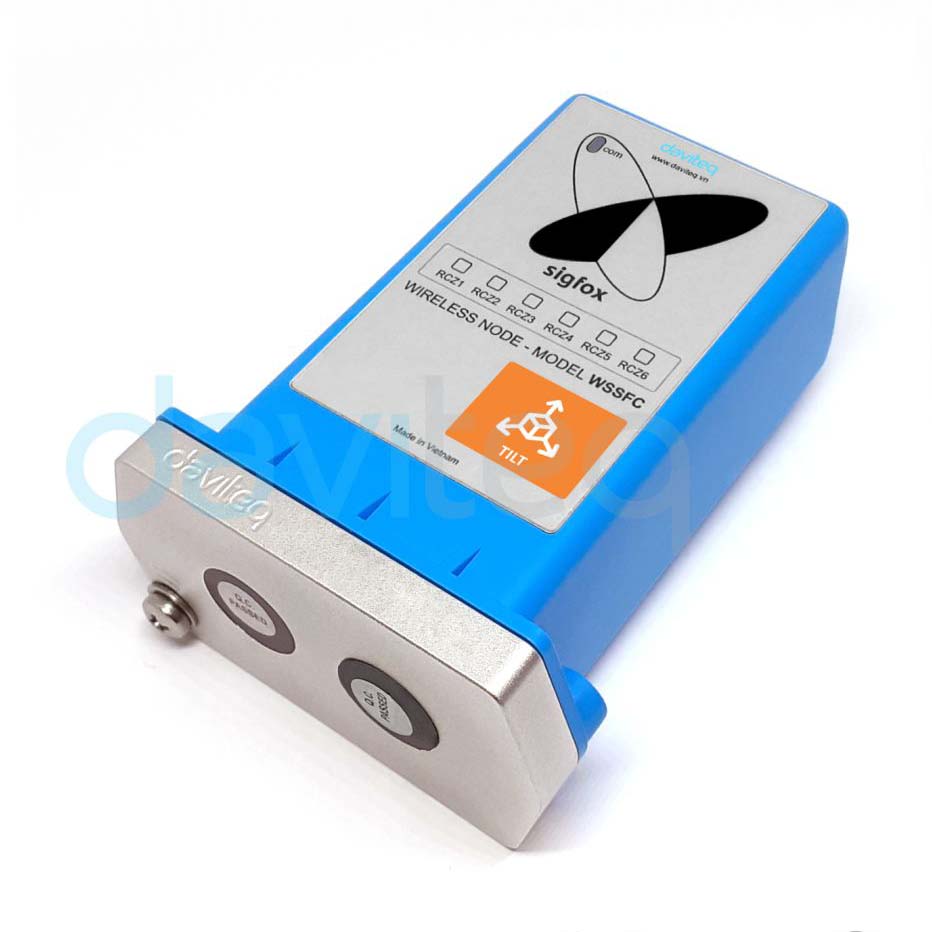
About the device
SIGFOX TILT SENSOR
Template details
| Manufacturer | Daviteq |
|---|---|
| Model | WSSFC-AG |
Use this template in Widgelix
- 01Open Asset Templates, choose Load from repository and select Daviteq WSSFC-AG.
- 02Add an asset with the device ID and set its connectivity (network server or integration).
- 03Decoded data is available for dashboards, Actions, reports and AI agents.
More from Daviteq
All Daviteq devices →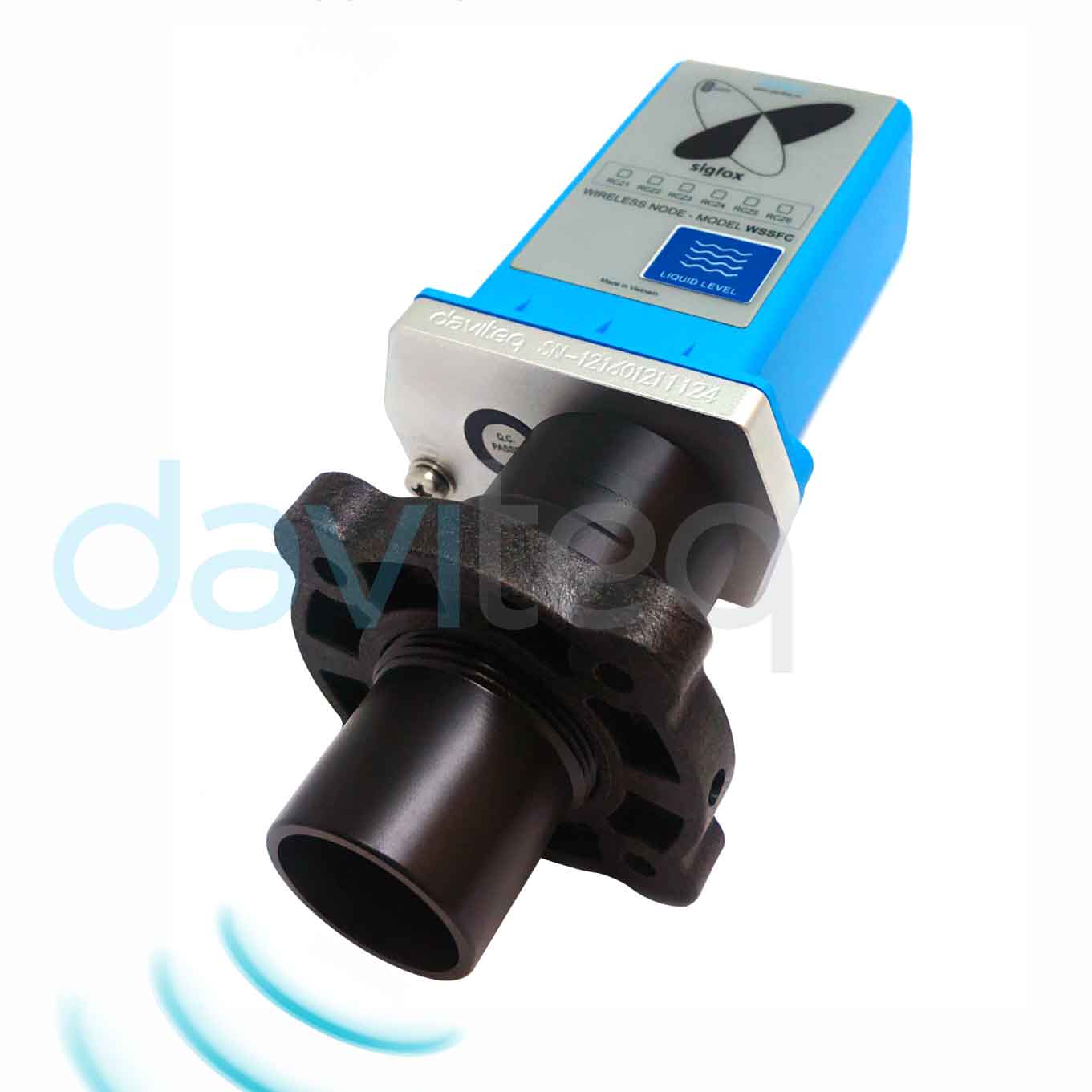
Monitor your Daviteq WSSFC-AG devices in Widgelix
Tell us about your deployment. We'll show you dashboards, Actions and AI access on your own devices.
- Live walkthrough with your devices
- Help with connectivity setup
- Dashboards and Actions for your use case